
Looking to simplify your daily SEO tasks, such as website analysis, reporting, tracking, or keyword optimization?
SEO extensions can help handle many of these time-consuming tasks.
If the wide selection seems overwhelming, don’t worry. We’ve put together a list of 5 popular extensions, along with detailed reviews of their features and functions.
How Can SEO Extensions Boost Your Productivity?
Search Engine Optimization is a large field with many areas and activities, so it’s normal not to know everything about it. You might not have much experience with SEO, or your budget may not cover outsourcing these tasks.
Here’s how SEO extensions can help you make your daily SEO routine easier:
- Instant On-Page Analysis: Extensions can quickly analyze a webpage’s SEO elements, such as meta titles, meta descriptions, heading structures, image alt text, and internal linking.
- Keyword Research Integration: Some extensions provide keyword suggestions, search volume data, and competition metrics directly on search engine results pages.
- Streamlined Reporting and Tracking: Some extensions integrate with analytics or SEO platforms, letting you export data or track metrics directly from the browser, saving steps in reporting.
- Content Optimization Suggestions: Extensions can highlight keyword density, readability, and content structure, allowing content optimization in real time.
- Site Audits: Many SEO extensions can scan an entire page or site for technical issues, broken links, slow-loading pages, or missing tags.
Before choosing the right extension, take time to research each option carefully. Don’t just pick the first tool you find online. Compare features, prices, and results. Test different tools to find the ones that really help you reach your SEO goals.
5 SEO Extensions Worth Trying
Most SEO extensions share similar features, but they differ in their focus, ease of use, and the depth of insights they provide. Some are great at on-page analysis, while others specialize in keyword research, backlink tracking, or site audits. So, you need to decide which one works best for your SEO strategy and goals.
Here’s a list of 5 popular SEO extensions that you can consider adding to your toolkit
1. Detailed SEO Extension
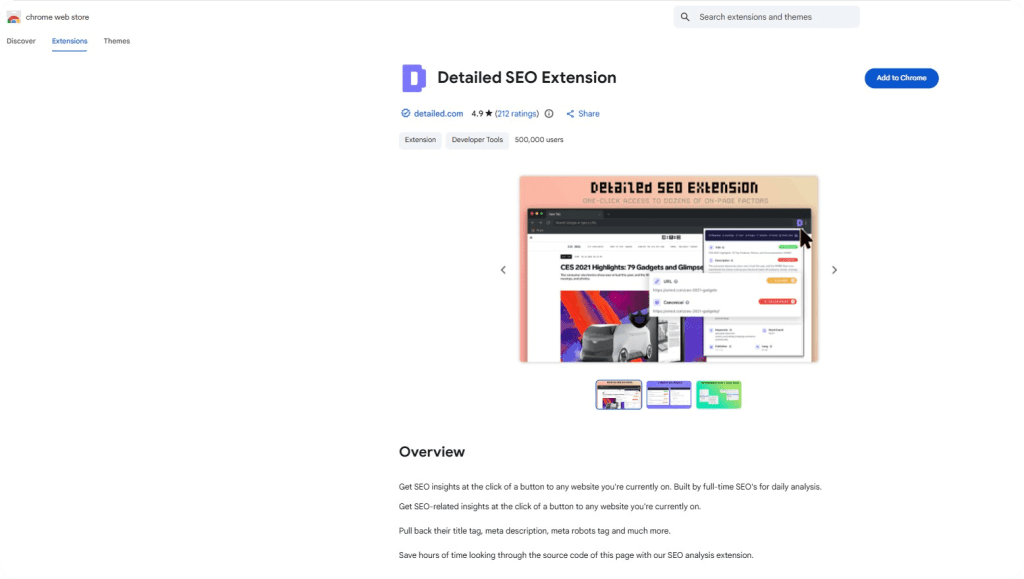
Detailed SEO Extension is a 100% free extension used by over 400,000 users. The extension is built by full-time SEOs for a daily analysis of any website. Thanks to the combined important checks into one simple interface, the Detailed SEO Extension can save you a lot of time on audits, speed up competitor research, and make regular SEO reviews easy.
The extension includes key features, including:
- Instant page-level insights,
- See all heading tags,
- View structured data markup (schema) for the page you are on,
- Right-click menu, supercharged for speed,
- Find Duplicates of Highlighted Text on the Web.
Additional features include:
- Extracting “People Also Asked” section with one click,
- Exporting all image URLs on a page as a .csv file,
- Highlighting nofollow links on any page (on right click or via menu),
- Viewing Hreflang status codes from a single page,
- Exporting all page links, both complete and incomplete,
- Changing your user agent to view a site as ‘Googlebot’ and more,
- One-click site:domain searches from the Right-Click menu,
- Quick link to the sitemap (sitemap.xml) file on any site,
- Hreflang quick view shows all localized versions of a page.
2. Google Search Console Enhanced Analytics
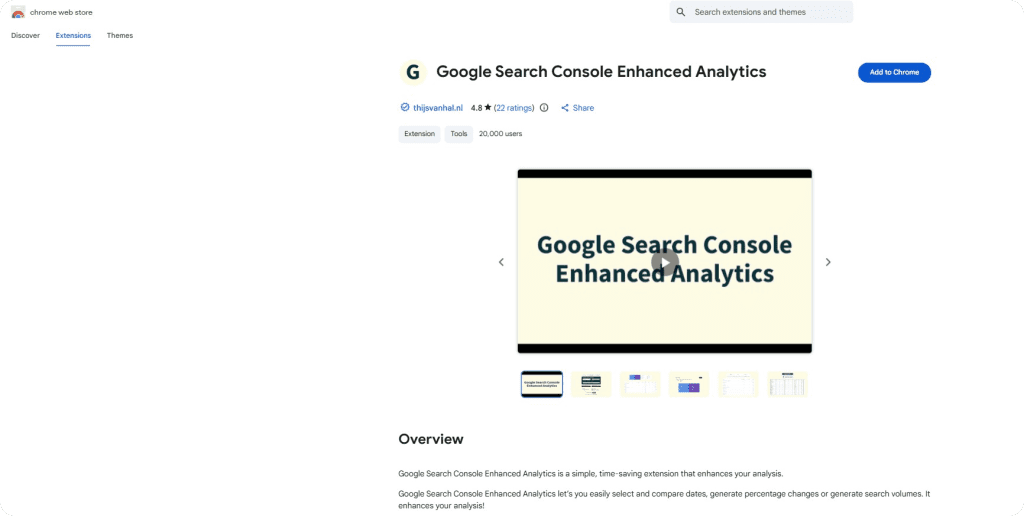
Google Search Console Enhanced Analytics is a Chrome extension designed to make working with Google Search Console far easier and faster, especially for reporting and comparing performance. It streamlines your analysis by allowing you to select and compare different date ranges, generate percentage changes, or generate search volumes.
The Extension’s core features include the following:
- Selecting a custom standard period (either in the UI or in the extension),
- Doing a quick comparison,
- Doing a custom comparison,
- Generating percentage changes,
- Generating search volumes,
- Seeing the exact metrics above the chart,
- Exporting all generated data to Excel.
3. Ubersuggest

Ubersuggest extension is a free Chrome extension and a comprehensive SEO tool by Neil Patel that provides keyword search volume, CPC, competition data, and actionable insights across Google, YouTube, and Amazon. It allows users to analyze suggested keywords directly on these platforms, explore detailed trends and graphs for mobile and desktop searches, and view traffic estimations for top-ranking pages.
Ubersuggest is available in 9 different languages.
Its complete list of metrics, data, and features available includes:
- Different keyword and content ideas,
- Google, Amazon, YouTube keywords,
- Top ranking pages,
- Keyword analysis and details,
- Site audits, Backlink profiles, Search volume, CPC,
- Highly-targeted keyword suggestions,
- The average number of backlinks,
- Domain score,
- Pinterest and Facebook shares,
- Percentage of SEO clicks your search term gets,
- Different age groups that search for your term.
4. Ahrefs SEO Toolbar
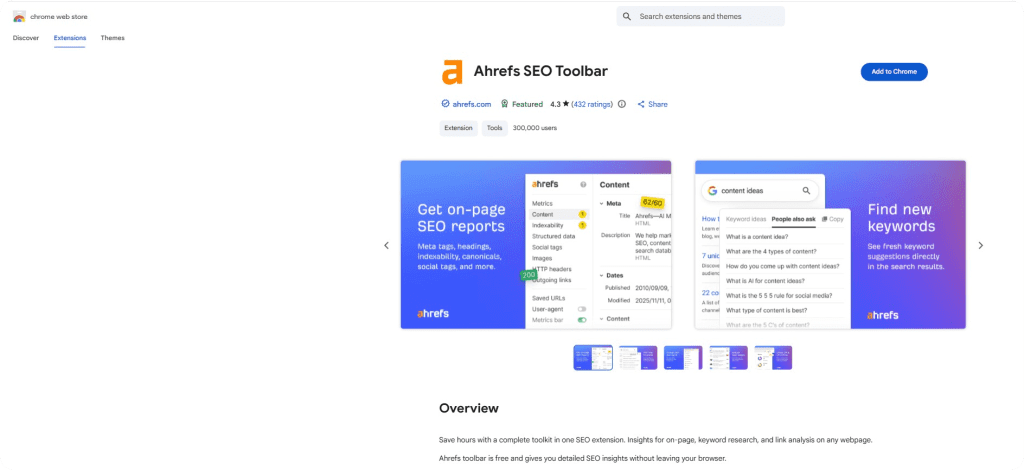
Ahrefs SEO Toolbar is a free SEO extension that brings powerful insights for on-page SEO, keyword research, and link analysis directly into your browser.
Paid Ahrefs users can access advanced metrics such as traffic estimates, keyword counts, and referring domains, while the core tools of this SEO extension remain completely free.
Used by over 360,000 SEO professionals, the tool includes:
- a global SEO research,
- checking titles, meta descriptions, headers, and technical factors in one click,
- simplified link analysis with features like broken link detection, redirects, and CSV exports,
- saving URLs,
- switching user agents,
- viewing HTTP headers,
- analyzing page performance.
5. SEO Pro Extension
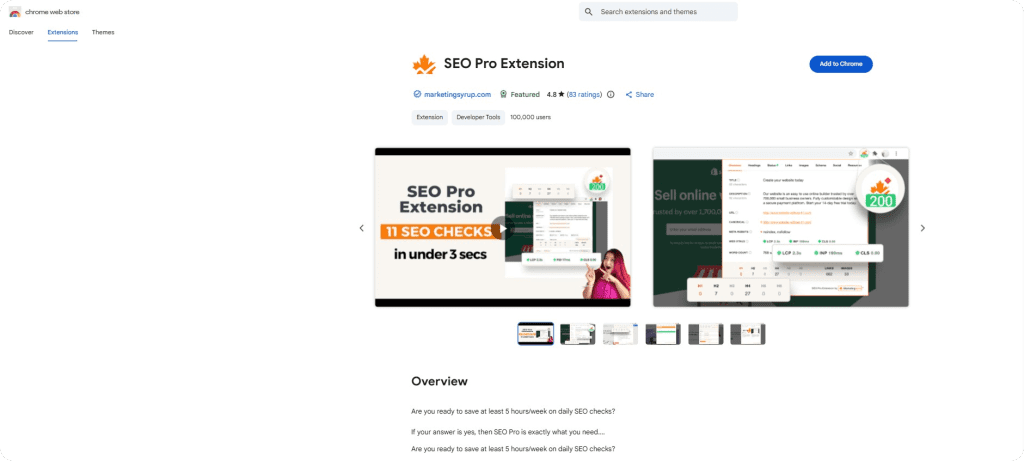
SEO Pro Extension is a free browser tool that provides a complete on-page and technical SEO audit in seconds, directly from your browser. It offers a quick overview of key SEO signals, including metadata, headings, page performance, and link data. This way, you can quickly identify optimization issues or areas for improvement without needing to switch tools.
SEO Pro Extension’s main features include:
- Metadata and HTTP status check: title tag, meta description, canonical URL, meta-robots, HTTP status, and redirect chains.
- Core Web Vitals and word count display: helps assess page performance and content length.
- Headings hierarchy overview (H1-H6): allows for a quick review of page structure and exports headings to CSV.
- Link analysis: includes counting internal and external links, highlighting nofollow links, and exporting a link list for further review.
- Image and alt-text audit: to display all images on the page with their alt tags and flag any missing ones.
- Schema markup detection: shows the structured data types used on the page.
- Social preview check (Open Graph): lets you see how the page will appear when shared on social media.
Final Thoughts
Yes, detailed SEO work can take a lot of time, but you don’t have to do every task yourself.
The five SEO extensions mentioned above, along with many others online, are designed to make site audits, content reviews, keyword research, and various technical checks easier right on the page you are on.
Before picking the extension that fits your SEO needs, take a moment to look at some other options.
Comparing their features and workflow advantages will help you find the tool that best supports your goals.