

Are you looking to set up a professional email for your small business? Transitioning from free services like Gmail to a custom business email requires an email hosting provider. With so many companies offering email hosting, it can be tricky to decide which one is the best fit for your needs.
Don’t worry – we’re here to help you. In this article, we’ll take a look at 11 of the best email hosting services available today. We’ll outline what each provider has to offer and help you decide which is the right fit for your business. So whether you’re looking for affordability, reliability, or flexibility, we’ve got you covered. Let’s get started.
11 Best Email Hosting Services for Small Business
1. Zoho Mail
Zoho Mail is a popular email hosting service that comes with plenty of useful features. The service offers unlimited storage, allowing you to keep all of your emails in one place for free. It’s also completely ad-free, so you won’t have to worry about annoying banner ads or promotional content cluttering your inbox. Another notable feature is Zoho Mail’s spam protection.
This helps protect your business from external threats by blocking unwanted emails from reaching your inbox. In addition, Zoho Mail offers a variety of tools that you can use to market your business. These include social media apps, domain mapping, and advanced customization options. The only downside is that Zoho Mail isn’t as cheap as some of the other services on our list. You can get a free account with 250MB storage or a paid account with unlimited storage for $2/month.
2. Google Workspace
Google Workspace is a cost-effective email hosting service that’s made by the tech giant, Google. It’s an extension of Google Drive and allows users to access Google services from within their inbox. One of the main benefits of this is that you can use accounts from different applications into one place.
The service also allows users to sign in with their existing Gmail account for added convenience since many small businesses are already using this email platform. The basic version of Google Workspace is free and includes 5GB storage per user – which might not be enough for some businesses, but is plenty for most startups. If you need more storage space, they do offer subscriptions starting at $5/month. However, you can get unlimited storage for just $10/month if you have more than 10 users. Review full Google Workspace pricing to pick a tier matching your team’s storage and collaboration demands.
3. Amazon SES
Amazon SES is the email service offered by Amazon, one of the most popular eCommerce platforms in the world – which means that it’s reliable and secure. As you might expect, Amazon SES offers a wide range of features that are helpful to small businesses. For example, it includes built-in support for Amazon Simple Storage Service (Amazon S3), enabling you to store your email in the cloud.
This ensures that your business’s emails are always available, even if there’s a problem with one of your physical servers. Amazon SES also provides customizable filtering settings to improve security, as well as tools for managing unsubscribe requests and messages. The service is also ad-free and allows you to access your emails during peak and off-peak hours.
Finally, Amazon SES offers a 100% uptime guarantee with no minimum service requirements. Of course, the downside to this is that it’s not free – but depending on your needs you might find that its pricing options are flexible enough to meet your budget. Amazon SES has a Standard plan that starts at just $1 per month and includes 50,000 inbound messages.
For that price, you’ll have access to a dedicated IP address and 10GB of email storage per month.
4. MXRoute
MXRoute is a popular email hosting platform that’s best for smaller businesses. You can use this service very cheapest price, it’s allowing to get start for less than $4/month. The service includes an easy-to-use interface and spam protection capabilities, which makes it hassle-free for beginners. In addition, it offers two different account types – which are suitable for different types of email marketing campaigns.
Basic accounts include up to 500 contacts and you can send up to 100 messages per day. Premium accounts are ideal if you need to send automated emails, because they include up to 5,000 contacts and unlimited email sends per day.
As a bonus, you can also get a free 14-day trial to determine whether or not this email service is right for your needs.
5. Neo
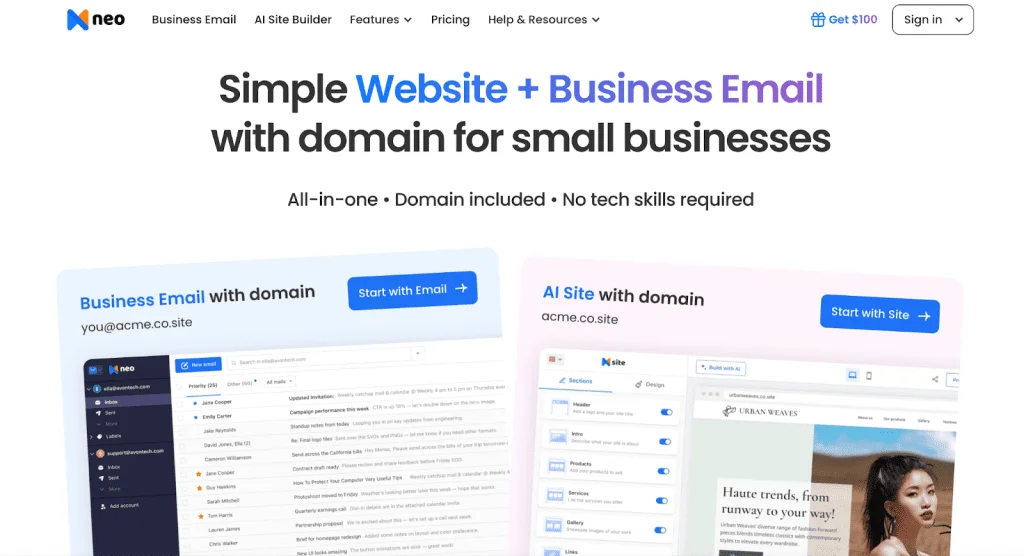
Neo is one of the best email hosting services built for small businesses and entrepreneurs. The service comes bundled with a free custom domain for one year, so you can set up your own professional email address without extra cost. It’s also completely ad-free, giving you a clean, distraction-free inbox experience. Another notable feature is Neo’s advanced email productivity tools like read receipts, send later, follow-up reminders, and email templates.
These features make it easier to stay on top of client communication and never miss an important message. In addition, Neo offers built-in tools that go beyond email — such as an AI-powered website builder, a booking system for scheduling meetings, and a signature designer to enhance your brand presence. The only downside is that Neo’s lower-tier plans come with limited storage compared to bigger providers, and its ecosystem is still growing. You can get started with a free trial or choose a paid account starting at $1.99/month.
6. Office 365 Outlook
Microsoft is one of the most trusted brands in technology, which means that Office 365 Outlook is very reliable – even if it doesn’t offer as many features as some of the other services on this list. Office 365 Outlook includes customizable data storage and deletion policies, plus tools for managing multiple email aliases that are ideal if you have more than one person in your business. Its advanced outlook contact management helps you organize and access important connections with ease. It also offers 24/7 customer support, which is something that not all email hosting services offer. Moreover, it is easy and practical to integrate the DMARC for Office 365.
7. SendGrid
SendGrid is a popular email hosting solution that’s creating for organizations with heavy email sending needs. Unlike some of the other options on this list, SendGrid can handle huge amounts of traffic and offers advanced configuration controls – which means you won’t have to worry about spam filters blocking your messages. And if you need multiple IP addresses, then you’re in luck – because this service lets you manage up to 10 different IPs.
However, the biggest downside of SendGrid is that it’s significantly more expensive than some of the other options on our list. You’ll need to pay $9/month if you only need one IP address or $24/month if you need 2-5 IP addresses. Plus, you might have to pay additional fees for SSL certificates and support – which can make the final price even higher. This price jump is why many businesses explore SendGrid alternatives with comparable deliverability.
8. FastMail
FastMail is a popular email service that’s used by businesses and individuals throughout the world. This platform is ideal for organizations that need to send 100,000 or fewer messages per month. FastMail has some advanced spam protection features, but its biggest downside is that you won’t be able to set up an infinite number of email aliases.
One benefit of FastMail is that it offers a free trial so you can test out the service before you commit. You won’t have to pay a dime until you make your decision – and the trial is also great because there’s no email address limitation.
9. Mailgun
Mailgun is another popular email hosting service that’s trusted by organizations from around the world. As a Mailgun customer, you’ll get access to a RESTful API that makes it easy for your business’s apps and software to communicate with your email account. Plus, this service has some of the lowest rates on our list – starting at just $10/month for 50,000 messages per month.
If you need more than 50,000 messages per month, then prices will vary. However, the company offers some of the most affordable pricing on our list – with the most expensive plan costing just $2,000 per month.
10. PostMarkapp
PostMarkApp is another affordable email hosting service that’s ideal for companies with less than 100,000 monthly messages. One of the unique things about PostMarkApp is that it’s an entirely open-source service that you can customize to fit your business’s needs.
This email hosting solution doesn’t offer as many features as some of the other platforms on our list, but if you’re looking for a more affordable option with high rates of email delivery, then this might be the perfect choice for your business.
11. Atomic Mail
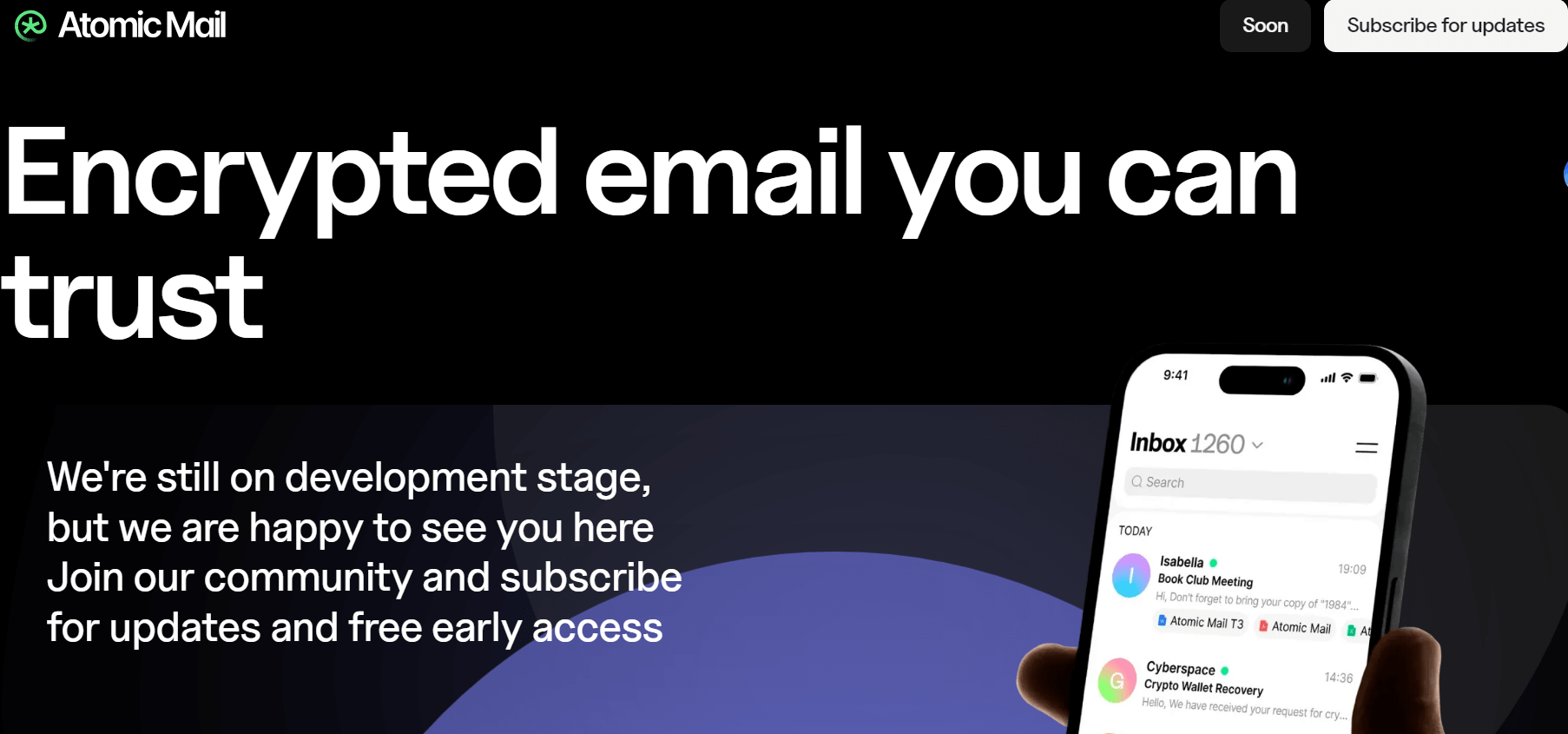
Atomic Mail is a secure, privacy-focused encrypted email provider designed for individuals and businesses that prioritize keeping sensitive information private. With essential features like end-to-end encryption and zero access encryption, Atomic Mail ensures that your emails remain confidential, accessible only to you and your intended recipients.
Additionally, the hide-my-email feature enables you to create multiple email aliases, allowing you to protect your primary address and maintain anonymity in online interactions.
Atomic Mail’s advanced spam filters provide a clean, distraction-free inbox with no ads, so you can focus on what matters without unwanted clutter. For added security, Atomic Mail includes password protection and a unique features.
Best Email Hosting Services for Small Businesses in 2024: A Comprehensive Comparison Table
| Email Hosting Service | Key Features | Price (Monthly) | Suitable For |
|---|---|---|---|
| Zoho Mail | Ad-free, Unlimited Storage, Spam Protection, Marketing Tools | Free (250MB storage), $2 (Unlimited storage) | Businesses looking for a feature-rich, ad-free solution with marketing tools |
| Google Workspace | Integrated with Google Drive, 5GB Storage, Collaboration Features | Free (5GB), $5 (More storage), $10 (Unlimited storage for >10 users) | Startups and businesses already using Gmail, needing collaboration features |
| Amazon SES | 100% Uptime, Customizable Filtering, Ad-Free, S3 Integration | $1 (50,000 messages) | Businesses looking for reliability, security, and uptime guarantee |
| MXRoute | Spam Protection, Easy-to-use Interface, Budget-Friendly | $4 | Small businesses needing affordable, beginner-friendly email hosting |
| Yandex Mail | Anti-spam Protection, Personalized Inbox, Multi-Device Access | Free | Businesses looking for a reliable, secure, and cost-effective solution |
| Office 365 Outlook | Customizable Storage, Multiple Email Aliases, 24/7 Support | Varies by Plan | Businesses needing multiple email aliases, data policies, and 24/7 support |
| SendGrid | Advanced Configuration, Multiple IPs, Handles High Traffic | $9 (1 IP), $24 (2-5 IPs) | Businesses with heavy email sending needs, looking for multiple IPs |
| FastMail | Spam Protection, Free Trial, Reliable Service | Free Trial Available | Businesses needing a reliable service for up to 100,000 messages per month |
| Mailgun | RESTful API, Affordable Pricing, Developer-Friendly | $10 (50,000 messages) | Developers and businesses needing API access with affordable rates |
| PostMarkApp | Open-source, Customizable, High Delivery Rates | Affordable (Varies) | Small businesses needing an affordable, open-source solution |
Finall Overview
As you can see, there are lots of email hosting services available on the market today – but some are better than others. If your business doesn’t have a lot of traffic, then you might be happy with one of the more affordable options on our list – such as FastMail, Mailgun, or Postmark. But if you need something with more advanced features, then you might want to look at one of the 10 email hosting services that are listed above.
Did This Help You? If so, I would greatly appreciate it if you commented below and shared it on Facebook or other social media.
Read Also How to Find Expired Domains In 2023